Inside a CLIQBUILT Install: Timeline, Crew, and Check-Ins
What actually happens between signing a contract and your final walkthrough — the crew, the schedule, and how our project portal keeps you informed without constant calls.
One of the most common anxieties homeowners have going into a remodeling project isn't the price — it's the process. Who shows up? When? How will I know what's happening? What do I do if I have a question?
This is what a CLIQBUILT installation actually looks like, from contract to completion.
Before the crew arrives: your project setup
After you sign a CLIQBUILT contract, you're assigned a project coordinator — a single point of contact who manages your job from scheduling through final walkthrough. You'll receive an invite to your project portal, where your install date, crew assignment, scope details, and project photos will all live.
The week before your install, you'll receive a confirmation with your crew's arrival window. For one-day jobs (CliqCore™ baths, window replacements, door installs, roofing), that's typically a 7–8am start. For multi-day projects, your coordinator confirms the full schedule in advance.
Install day: what the crew does and what you can expect
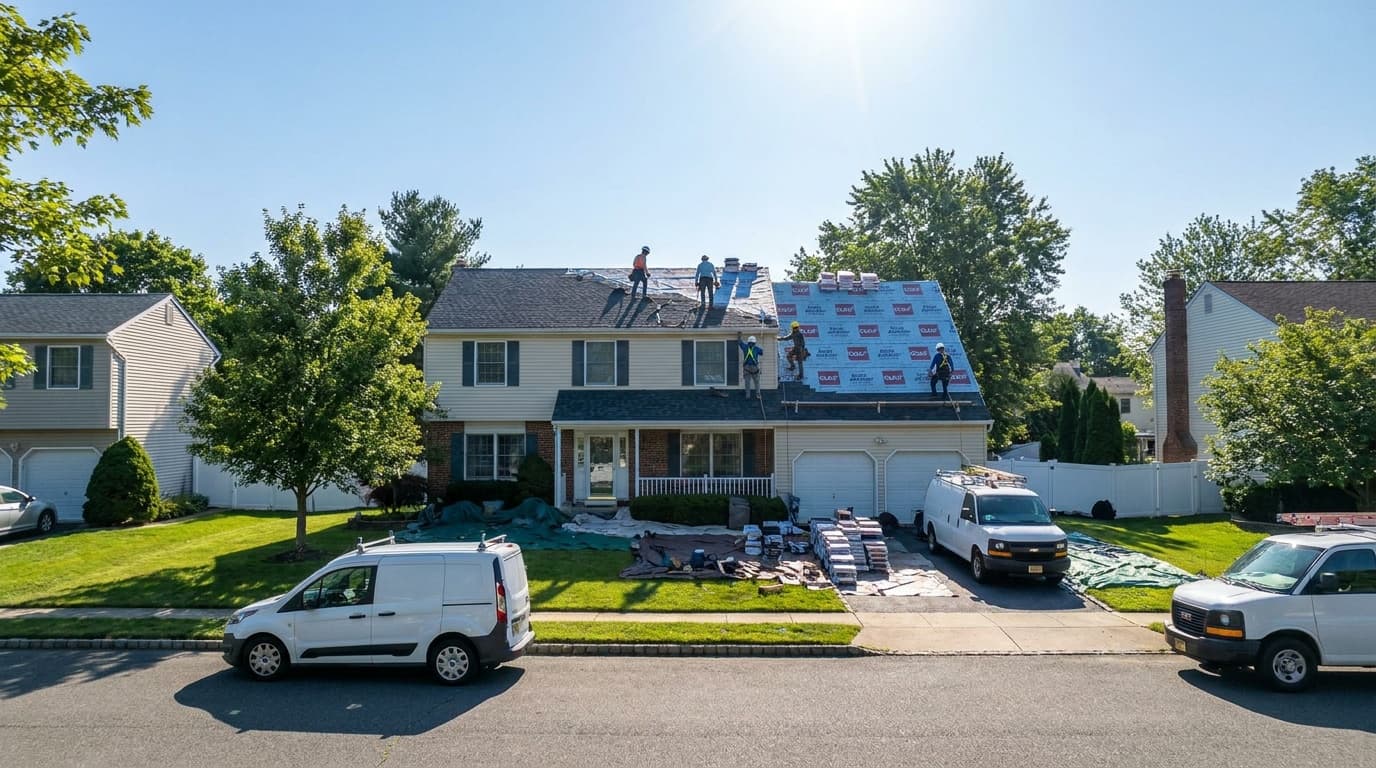
Our crews are W-2 employees — not subcontractors rotated from a pool. For manufacturer-certified products (CliqCore™, ProVia windows, CertainTeed roofing), the same certified crews handle every job. You won't get a different crew depending on who's available that week.
On arrival, the lead installer introduces himself, walks you through the day's plan, and confirms the scope. For interior work, the crew protects floors and furniture in the work zone. For exterior work (roofing, windows, doors), the crew manages all material delivery and site organization.
Most homeowners are surprised by how quiet and organized the process is. Our crews don't require homeowners to be home for the duration — though many choose to be. If you leave, your project portal updates with photos as work progresses.
The project portal: real-time visibility without constant calls
Every CLIQBUILT project has a dedicated project portal — a simple web interface where you can see your schedule, crew details, scope, and photo updates from the field. As your crew works, photos are uploaded: before conditions, in-progress milestones, and completion shots.
This solves the biggest frustration homeowners have with contractors: not knowing what's happening. You don't have to call to find out if work started or when it'll be done. The portal tells you. If something changes — weather delay, material lead time — your portal and coordinator update you before you'd have to ask.
Final walkthrough and completion
At the end of every project, the lead installer walks you through the completed work. This isn't a formality — it's a deliberate review where we confirm everything matches the scope, answer questions, and document anything that needs a follow-up visit.
For manufacturer-certified products, warranty registration happens within 48 hours of project completion. You receive your warranty documentation by email, along with your final project photos and completion summary in your portal.
If you ever have a question or concern after a project is complete, CLIQBUILT has a dedicated service line — not a general inbox. Your project record is in our system and your coordinator remains your point of contact for any follow-up.
Frequently asked questions
Ready to get started? See pricing for your project online.
Get Your PriceGet a real price for your project —
online in 60 seconds.
Our self-serve calculator gives you a fixed price before we ever meet. No gatekeeping.